
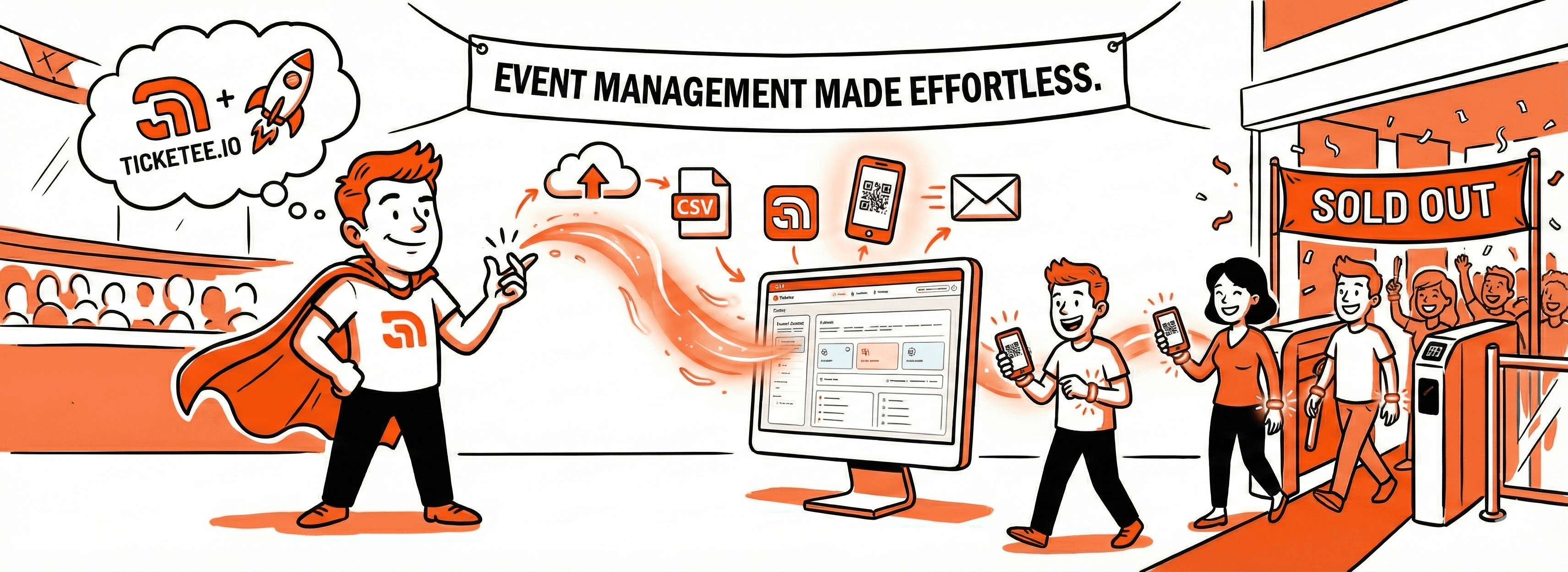
Getting Started with Ticketee.io: Your Complete Guide
Learn how to set up your first event on Ticketee.io, from importing attendees to sending QR code tickets. A step-by-step guide for new users.
Welcome to Ticketee.io
Ticketee.io helps you manage events more efficiently. Whether you're organising a corporate seminar, community gathering, or conference, the platform handles everything from attendee registration to check-in.
This guide will show you how to set up your first event on Ticketee.io.
Creating Your First Event
Step 1: Set Up Your Event Details
After logging into your dashboard, go to Events and click Create Event. You'll need to provide:
- Event Name: Choose a clear, descriptive name
- Date & Time: When your event will take place
- Location: Venue address (optional)
- Description: Brief overview for attendees
Step 2: Import Your Attendees
Ticketee.io supports CSV uploads for bulk attendee import. Prepare a CSV file with these columns:
- Name
- Phone Number (optional)
Upload the file and the system will validate and prepare your attendee list in seconds.
Sending QR Code Tickets
Once attendees are imported, you can launch a campaign to send personalised QR code tickets via:
- Email (RM 0.05 per recipient)
- WhatsApp (RM 0.45 per recipient)
Each ticket includes a unique QR code for contactless check-in.
Campaign Tips
To run successful email campaigns:
- Test Early - Send a test email to yourself first
- Timing Matters - Send tickets 1 week before the event
- Follow Up - Send reminders 1 day before
- Clear Subject Lines - Use descriptive subject lines that get opened
Checking In Attendees
On event day, your crew can use any mobile device to scan QR codes from the /member/{eventId}/scan page. Check-ins are tracked in real-time, so you get instant visibility into attendance.
Mobile Check-In Features:
- Real-time validation of QR codes
- Duplicate check-in prevention
- Offline mode support (coming soon)
- Analytics dashboard with live stats
Event Analytics
After your event, access comprehensive analytics including:
- Total attendance vs registered attendees
- Check-in times and patterns
- Email campaign performance
- Attendee demographics
Best Practices
To ensure smooth event execution:
Before the event:
- Test your CSV format with a small list first
- Schedule campaigns 1 week and 1 day before the event
- Train your crew on how to access the scanner
- Ensure crew members have charged devices
On event day:
- Monitor the dashboard to track check-in rates
- Have a backup plan for internet connectivity issues
- Keep the support contact handy
Common mistakes to avoid:
- Waiting until the last minute to send tickets
- Not testing the check-in flow beforehand
- Forgetting to charge scanning devices
Advanced Features
Member Permissions
Assign specific crew members to specific events. This ensures that only authorised personnel can access check-in data.
Points Management
Monitor your credit balance and set up auto-recharge to ensure campaigns never fail due to insufficient funds.
What's Next?
Now you're ready to run your first event on Ticketee.io. The platform handles the technical work whilst you focus on creating good experiences for your attendees.
Need help? Reach out to our support team anytime.
Explore more:
- Advanced campaign features
- Automated reminder emails
- Bulk attendee management
- Integration options
Ready to create your first event? Log in to your dashboard and get started today.